Introduction
Not all data can be always accessed immideately. Some takes a moment to get ready and therefore users will have to wait. In order to show the user that there is actually something going on and the application didn’t freeze. I can use Loading Components. In this article I will go through the different options I have for handling slower data and still satisfying the user.
| Overview |
|---|
| Loading.tsx |
| Suspense |
Loading.tsx
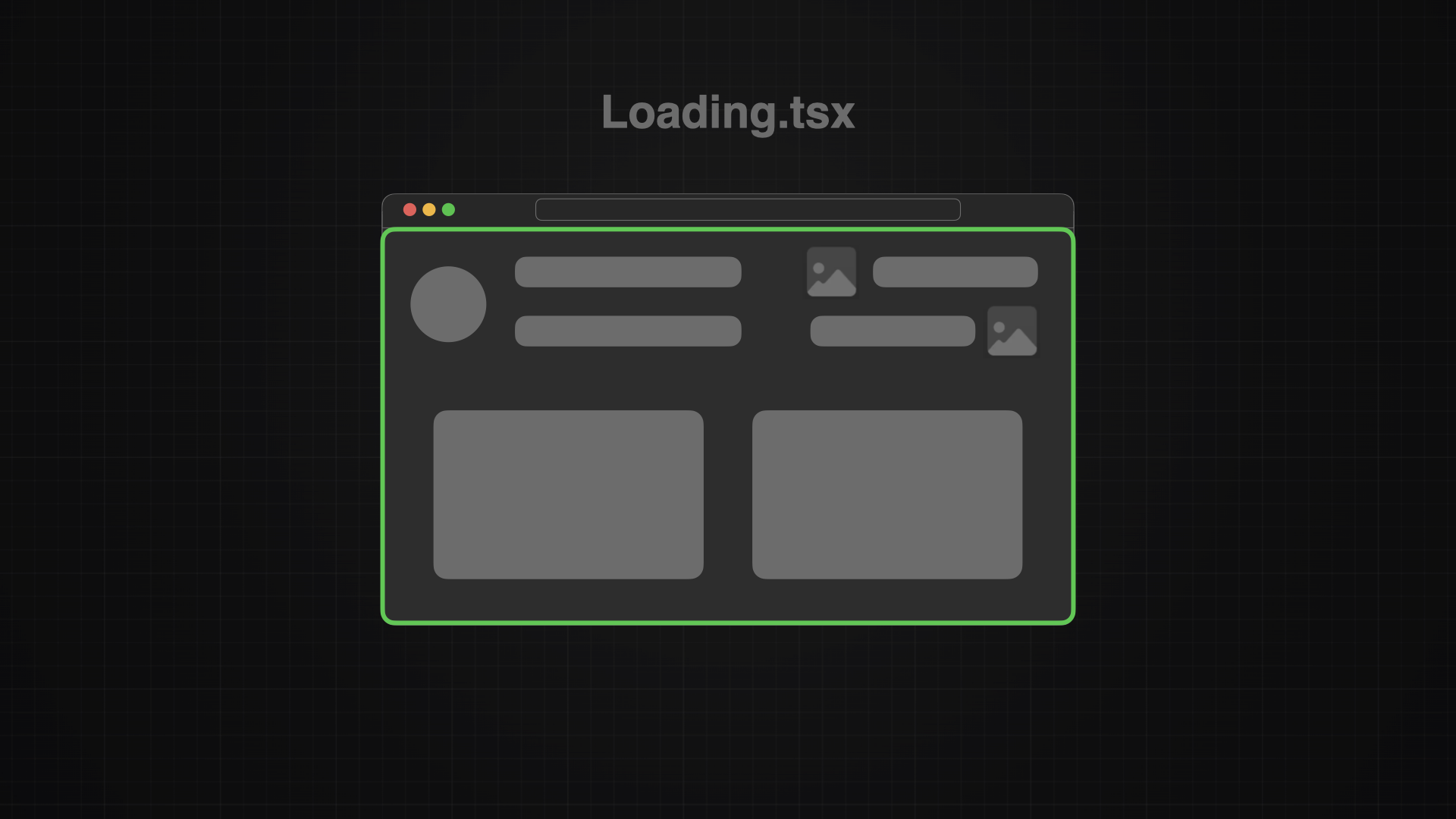
The Loading.tsx file will automatically wrap the whole page.tsx within a suspense and with that, replace the whole file with the fallback loading component.
Implementation
The loading.tsx component will only affect its subtree so it should be placed with keeping this in mind. In my case I will place it next to the page.tsx, in the same place where I also put the not-found component.
src/app/project/[projectId]/loading.tsxNow I just need to add the code to the file and now Next.js will display it whenever the detail project page happens to load slow.
import { Spinner } from "@/components/spinner";

export default function Loading() {
  return <Spinner />;
}| Source |
|---|
| 📄 Next.js Documentation > Loading |
Suspense
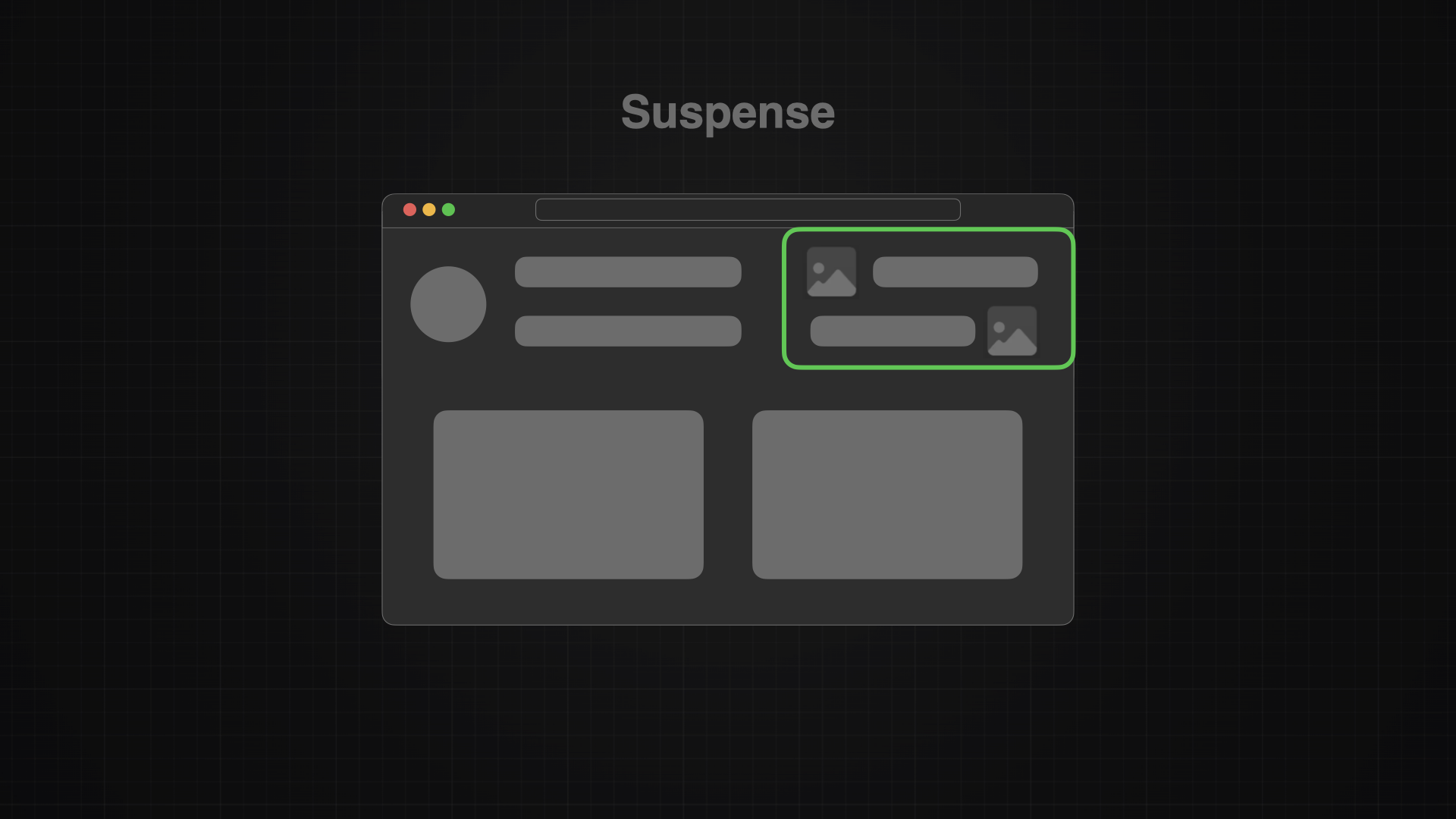
With suspense I can sent some parts of the component page immediately, while it will display a loading component only for a certain part of the page. With that I have more control about what to show immediately and what needs to wait within my page.
Implementation
In the following example, Next.js will be loading the heading immediately but will need to wait for the TicketList to be ready. While the TicketList is loading, I can show the 📜 Spinner Component to the user, which shows visually, that there is something loading.
<div>
	<Heading/>
    <Suspense fallback={<Spinner />}>
	    <TicketList />
    </Suspense>
</div>
Conclusion
Nothing is more frustrating that not knowing if the application is actually doing something or if it just froze - been there a 1000 times. Knowing the pain personally, I definitely will never want any of my user to have to go through this. So I for sure will implement this feature in every future application I’m gonna build.