Introduction
There are two different kinds of components; server and client. In this article I will talk about the differences and when to use which of each.
| Overview |
|---|
| What is a component |
| The two kind of components |
| Default category |
| Server Component |
| Client Component |
| Creating a component |
| Extracting Component to javascript land |
What is a component
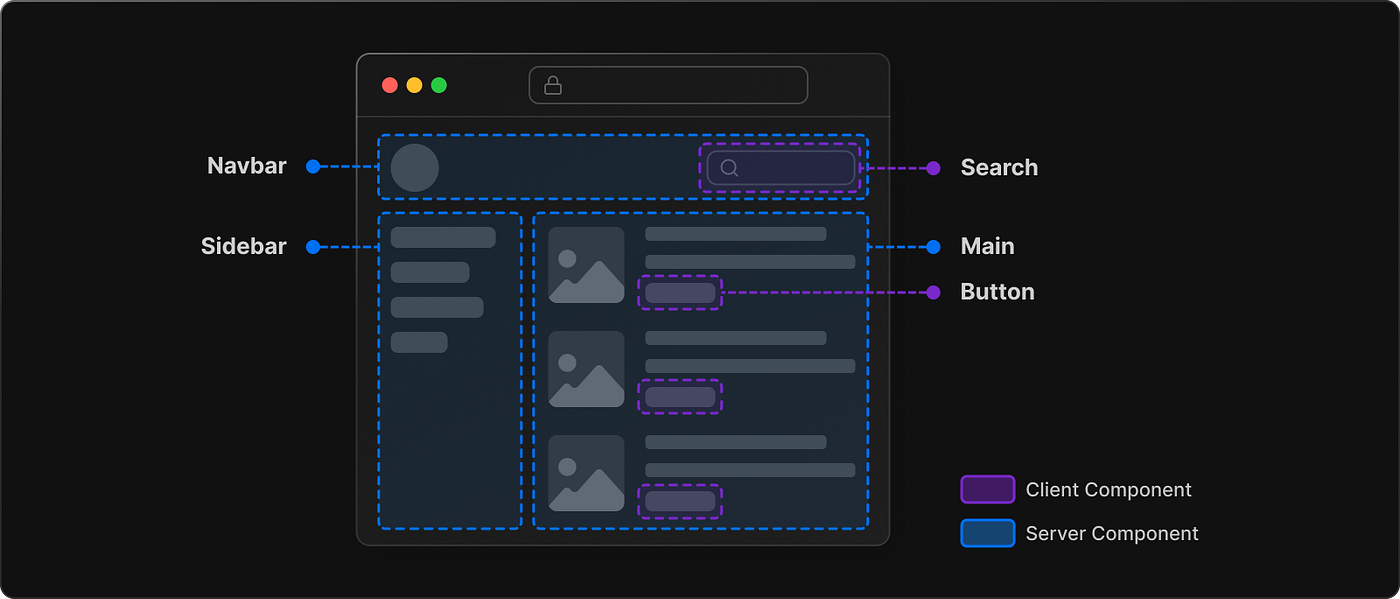
A component can be anything but I like to use the following rule of thumb; once an element appears at more than one place in my application, it might should become it’s own component. So basically spoken a component is like a single brick of a house. Every page of a website is build out of many different components. The following image shows that pretty well:
The two kind of components
There are two main categories of components; the server and the client component. Each of them have there special use case but it’s save to say, whenever it’s possible I should use server components over client components. Luckily this happens mostly automatically, since a component is per default of the category server component.
Default category
Even though I just mentioned that the default category is server component, this actually isn’t the full truth. The real definition is, that each component inherits the category of it’s parent component, and since the root component of a Next.js project is a server component, it will pass this value down to any new component thats created.
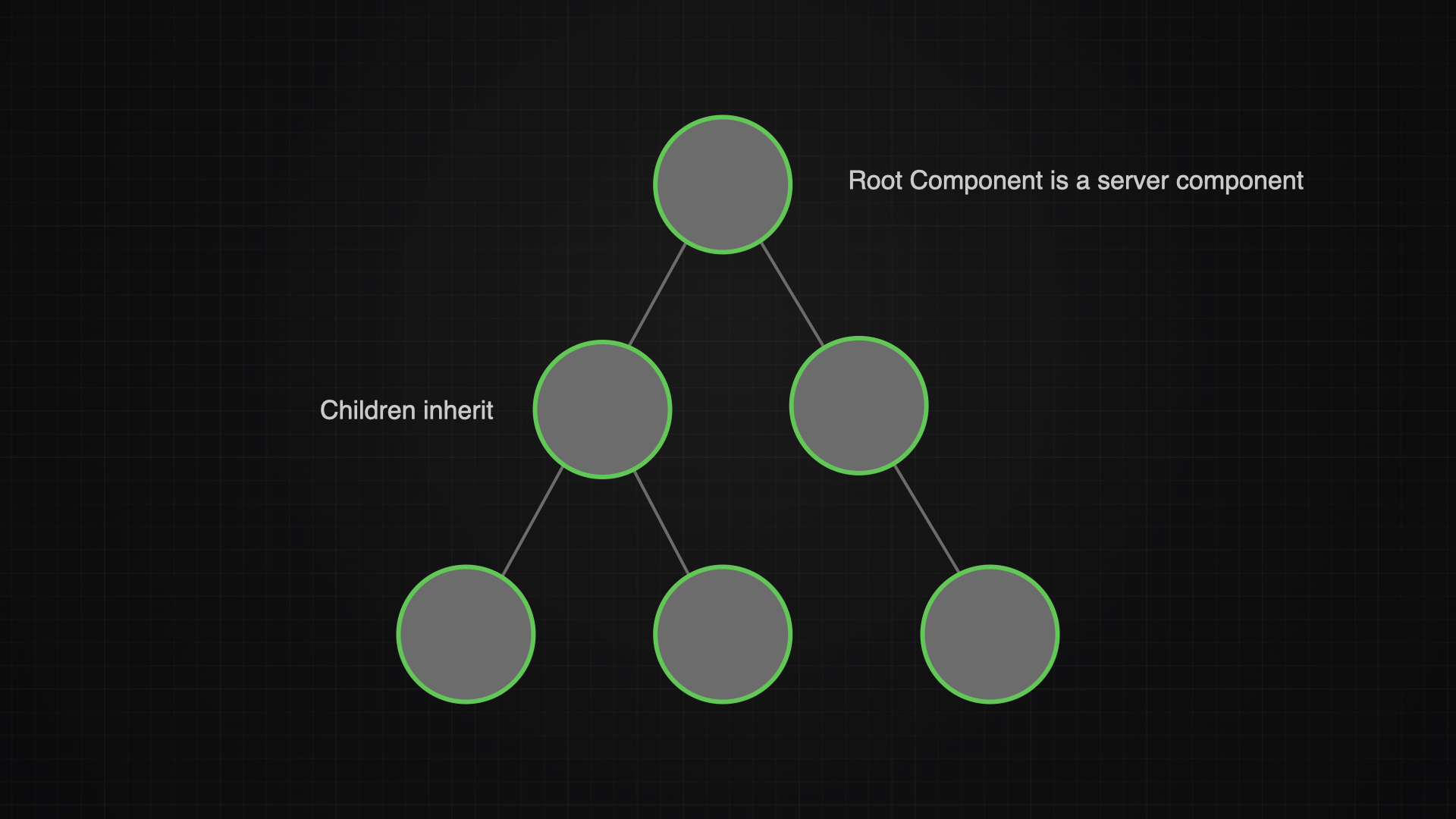
Now I still can define a children component to change it’s type, so a real application tree might be very mixed, just like in this one:
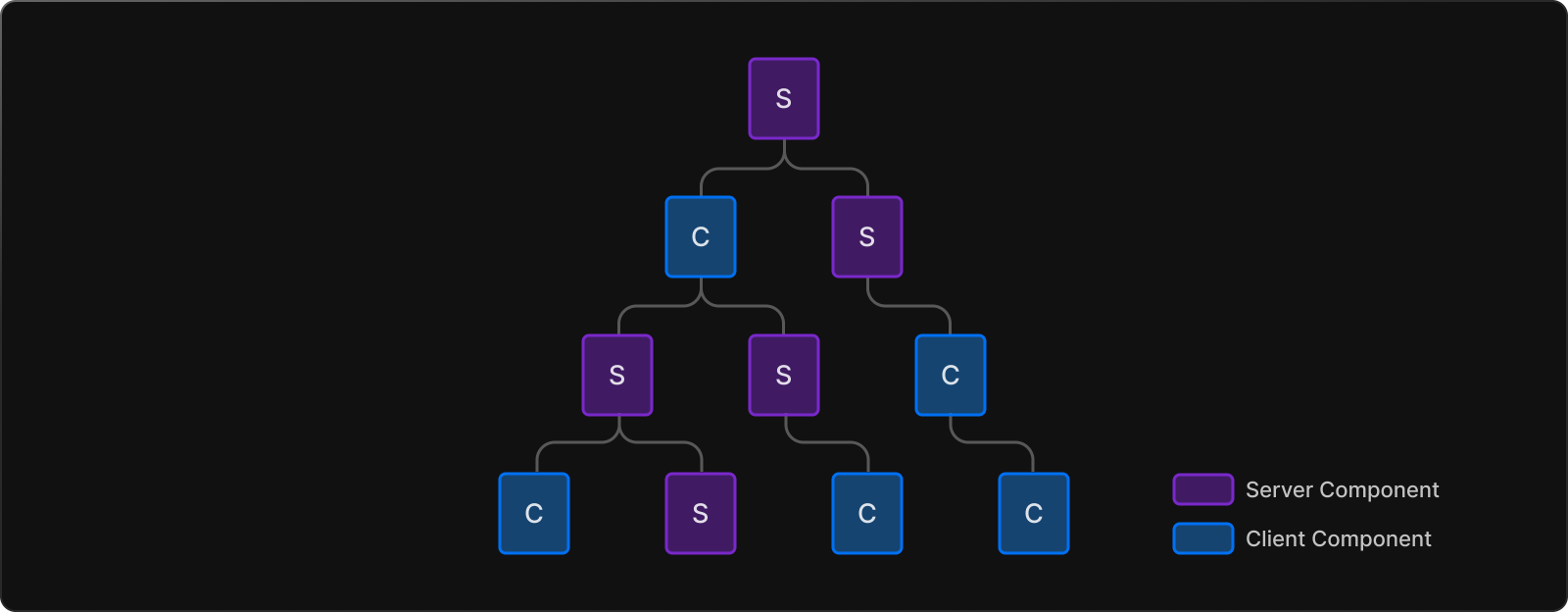
It is true that a component inherits the category of its parent but it’s child can still turn out to be of the other category. This sounds confusing sure, but the following example can explain it well:
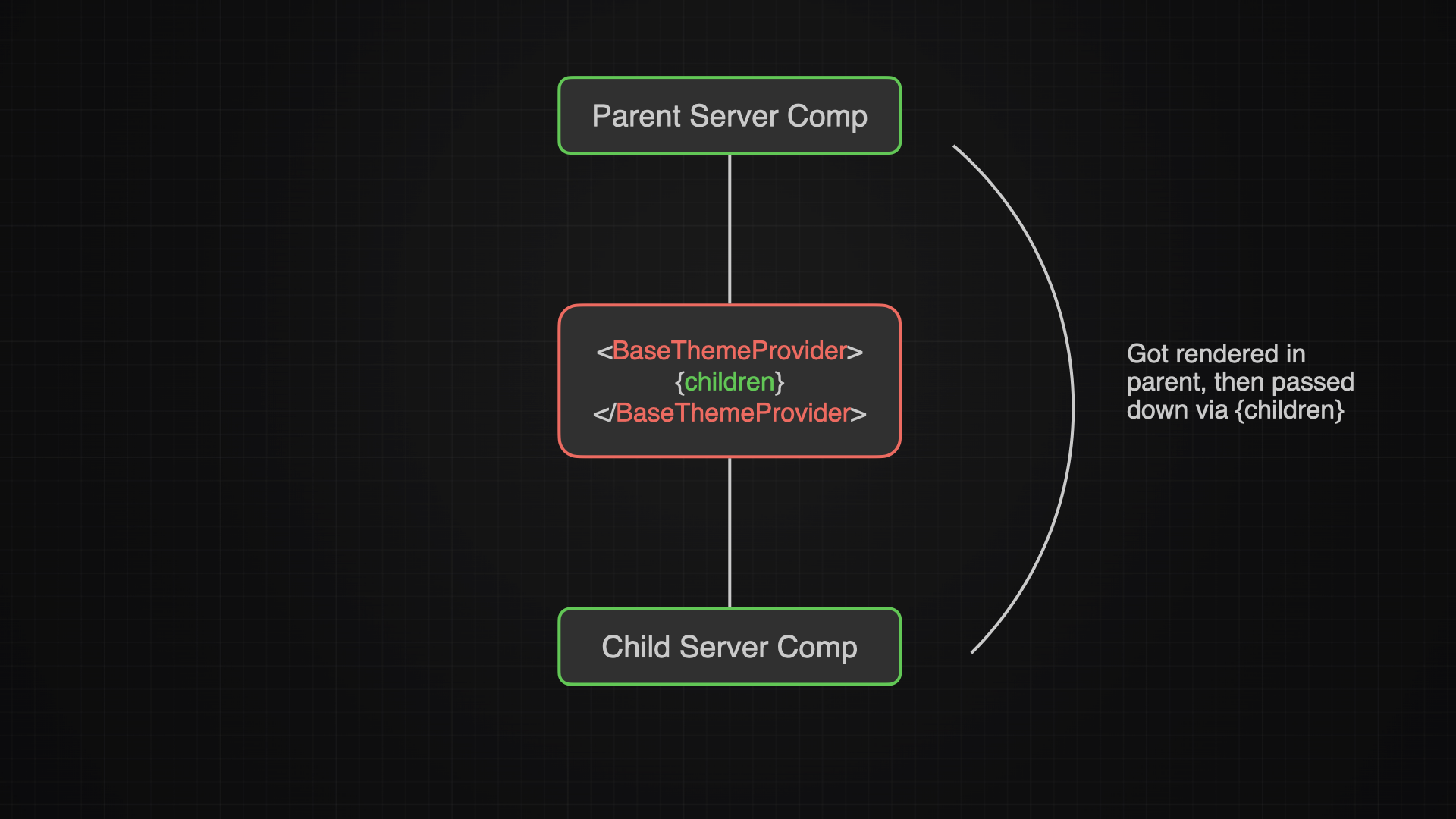
A component gets created within a server component, therefore it becomes a server component itself. If that component now gets passed down to a client component via the {children} param, it still stays a server component. Why? Because the client component is only the adoptive parent, the real parent will always be the server component. This is called Component Composition.
Server Component
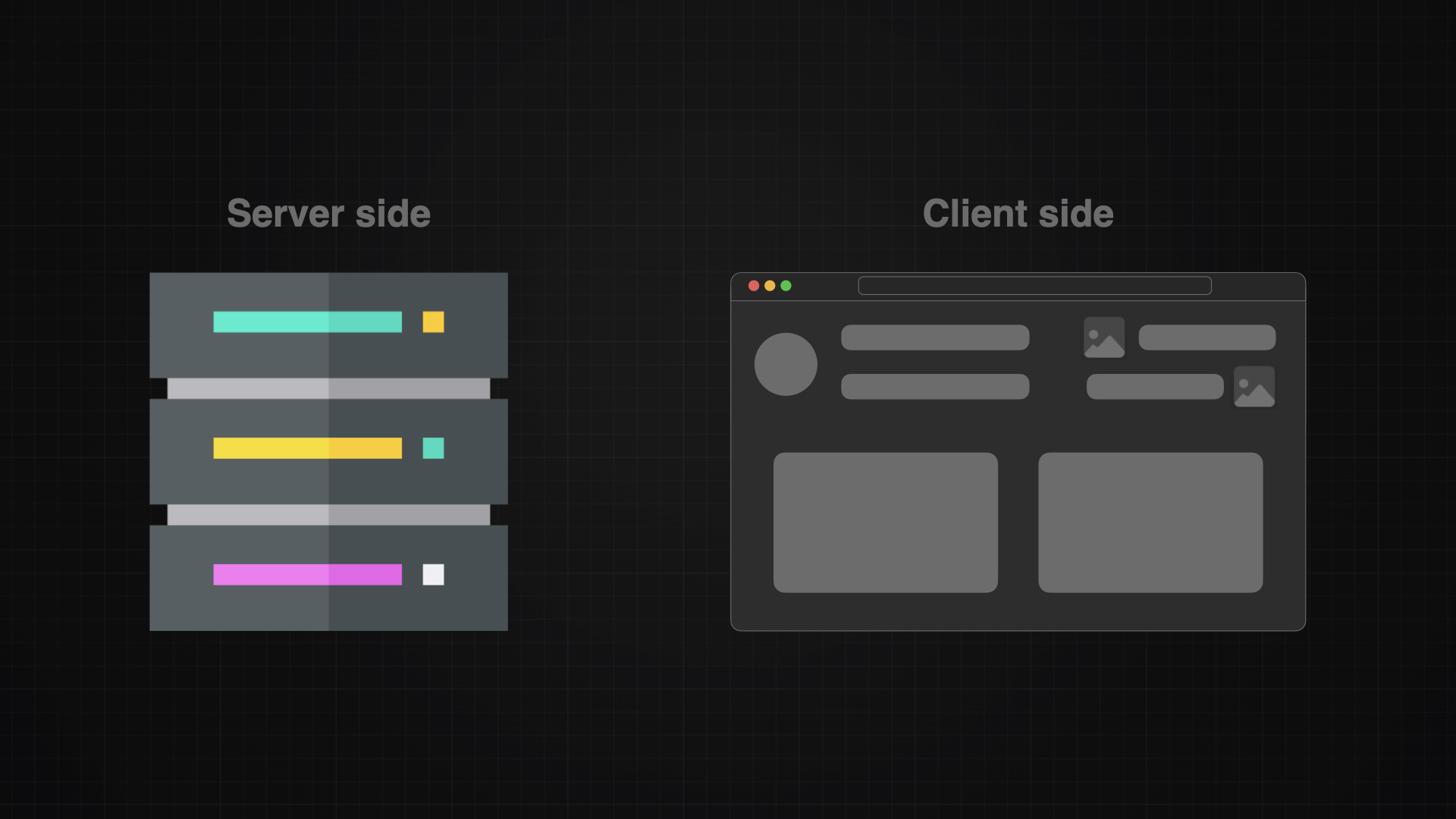
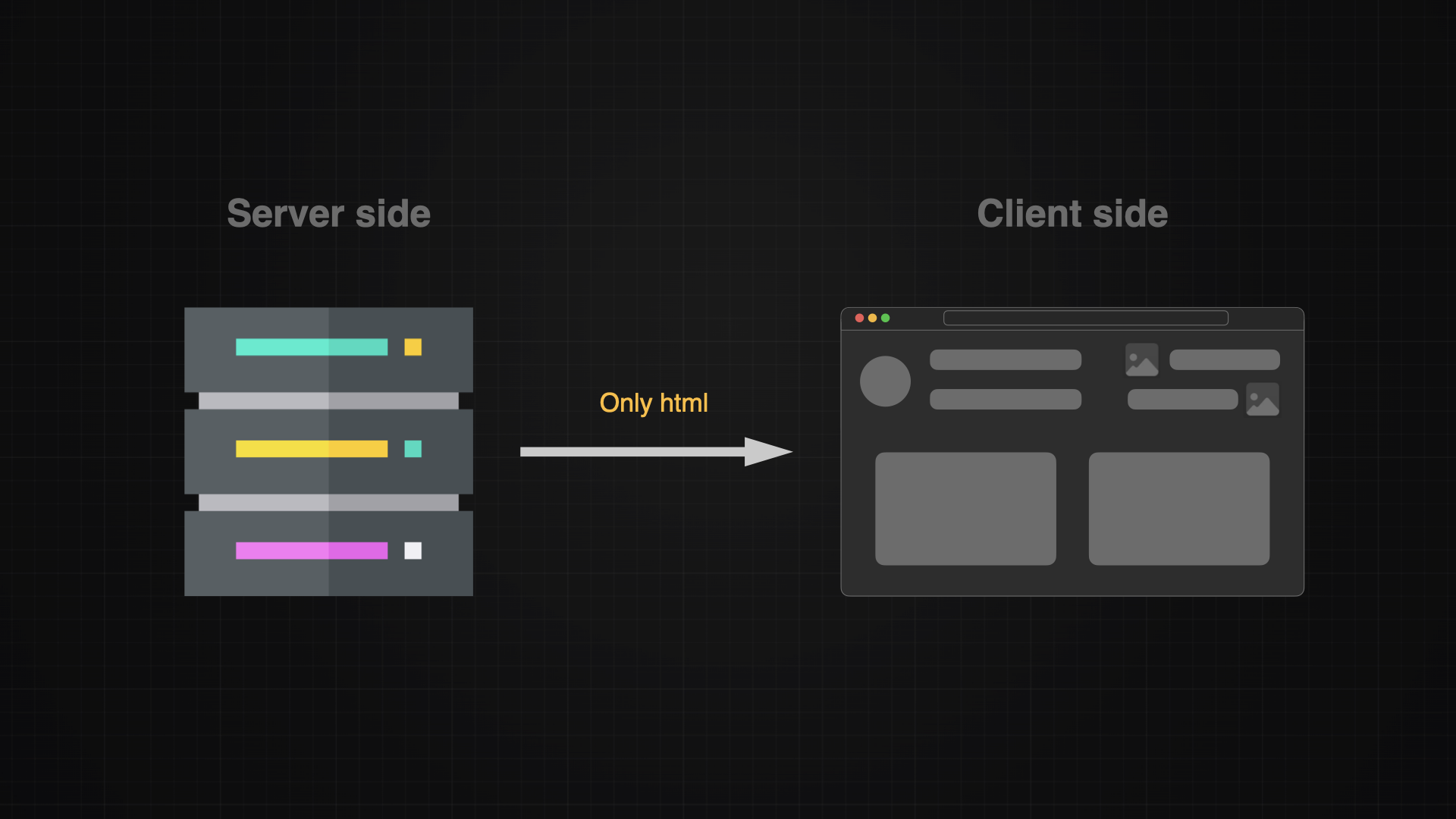
Since server components are literally on the server, they can easily access data that as well is stored on the server. They can as well safely access secrets or any other sensitive data, because they will always only send the finish rendered html code to the client side. Find more benefits of the server side here.
Client Component
Even though I should always try to create server components, there are some cases where I do need a client component:
- JavaScript needs to be run on the client side
- I want to use a react hook
- I want user interactivity like forms or button handlers
Whenever I want to make a component a client component, I need to make sure I added this tag at the very beginning of the file:
"use client";Note: The “use client” tag is only for components and the “use server” tag is only for functions.
Hydration
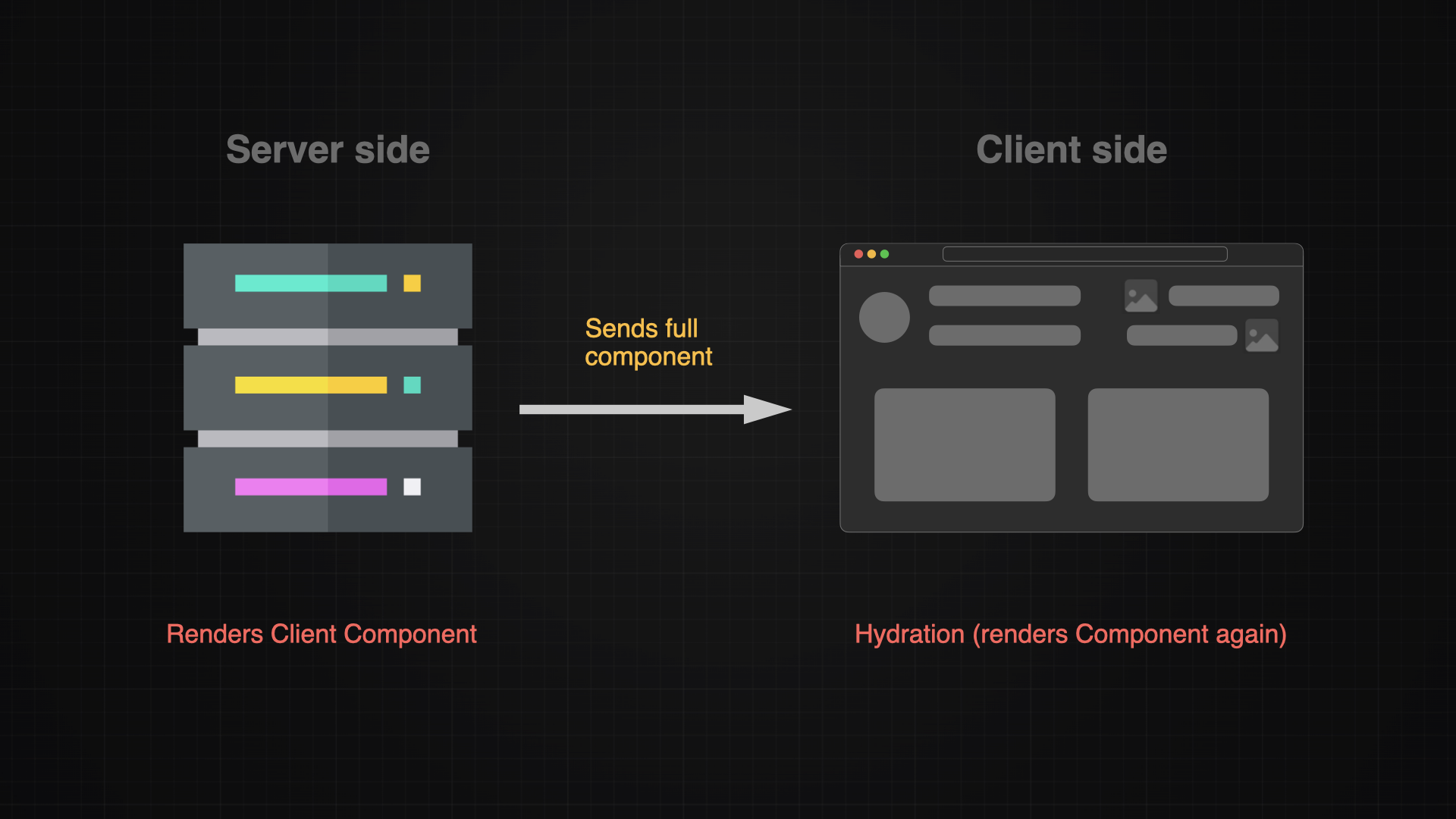
It might come surprisingly but client components are still rendered first on the server, then sent to the client and re-rendered once again. This re-rendering is called hydration and ultimately is responsible for enabling buttons, forms and states.
Createing a Component
Creating a component is pretty simple, I just need to create a new file and the run this command within the empty file (I believe I had to install a Vs Code extension for enabling auto completion)
rafceThe autocompletion will the suggest a react component for me an automatically creates a template. I then need to rename the component and define what it should contain:
const AppHeader = () => {
  return (
    <div>
      <p>hello</p>
    </div>
  );
};

export default AppHeader;
Once the components is defined, I can access it from anywhere in my project by just treating it like a normal html element:
<div>
    <AppHeader></AppHeader>
</div>
Extracting Component to javascript land
It can be very helpful to read the code cleaner when I extract a component from the html part to the javascript part of a component.
const AppProjectCard = ({ project }: ProjectCardProps) => {

  const editButton = (
    <Button variant="outline" size="icon">
      <Link href={upsertProjectPath()}>
        <LucideSquarePen className="h-4 w-4" />
      </Link>
    </Button>
  );

  return (
    <Card>
      <CardContent>
        <div>{editButton}</div>
      </CardContent>
    </Card>
  );
};
Conclusion
Components are great, they make the life of a developer so much easier by offering a possibility to keep a single source of truth for a element. Like that I can simply change the component in it’s file, and it will apply the changes across the whole application. I can not imagine that there were times before components - must have been a hard time.